AimMac app icon

Your lap data.
Fully analyzed, natively on your Mac.

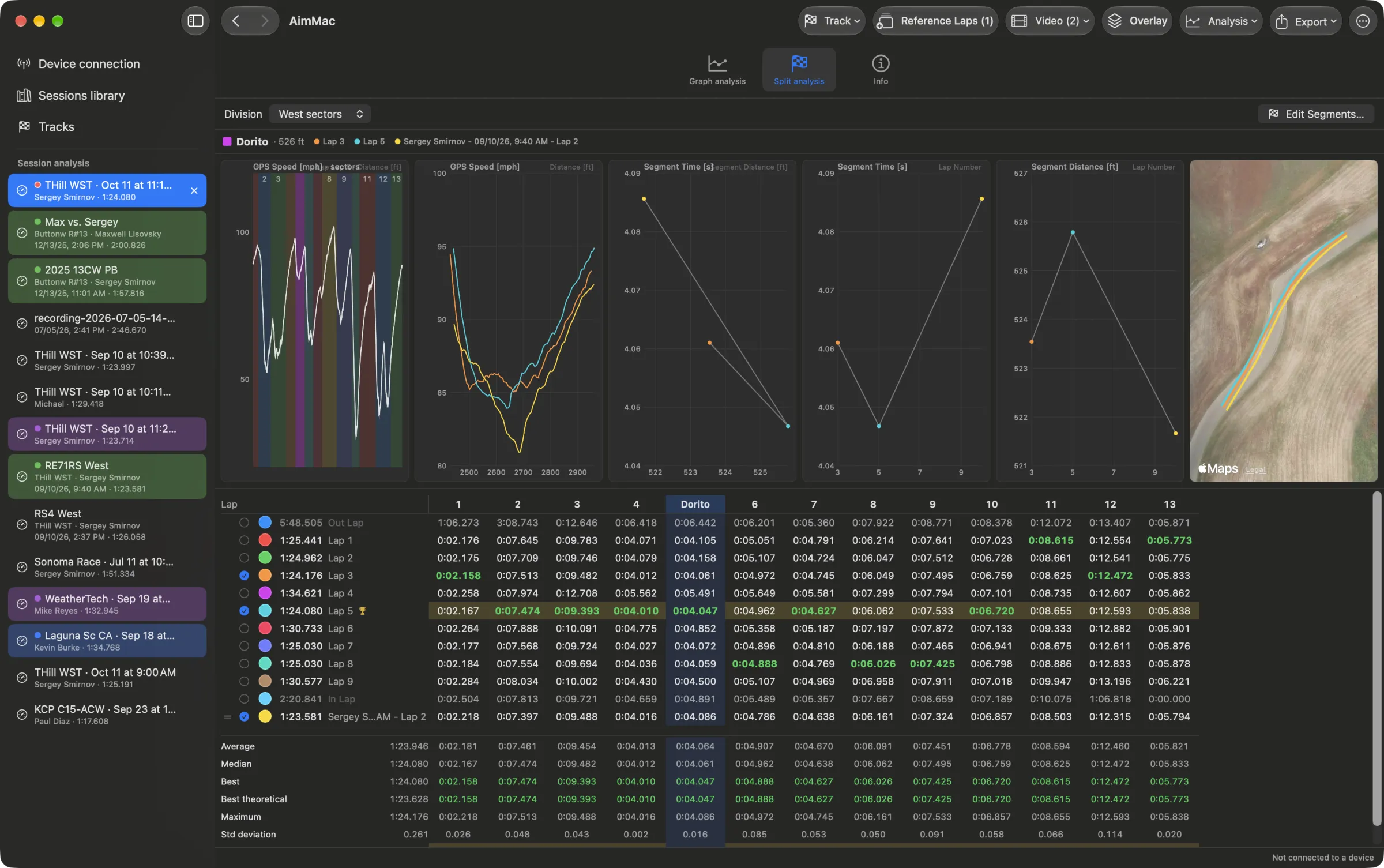
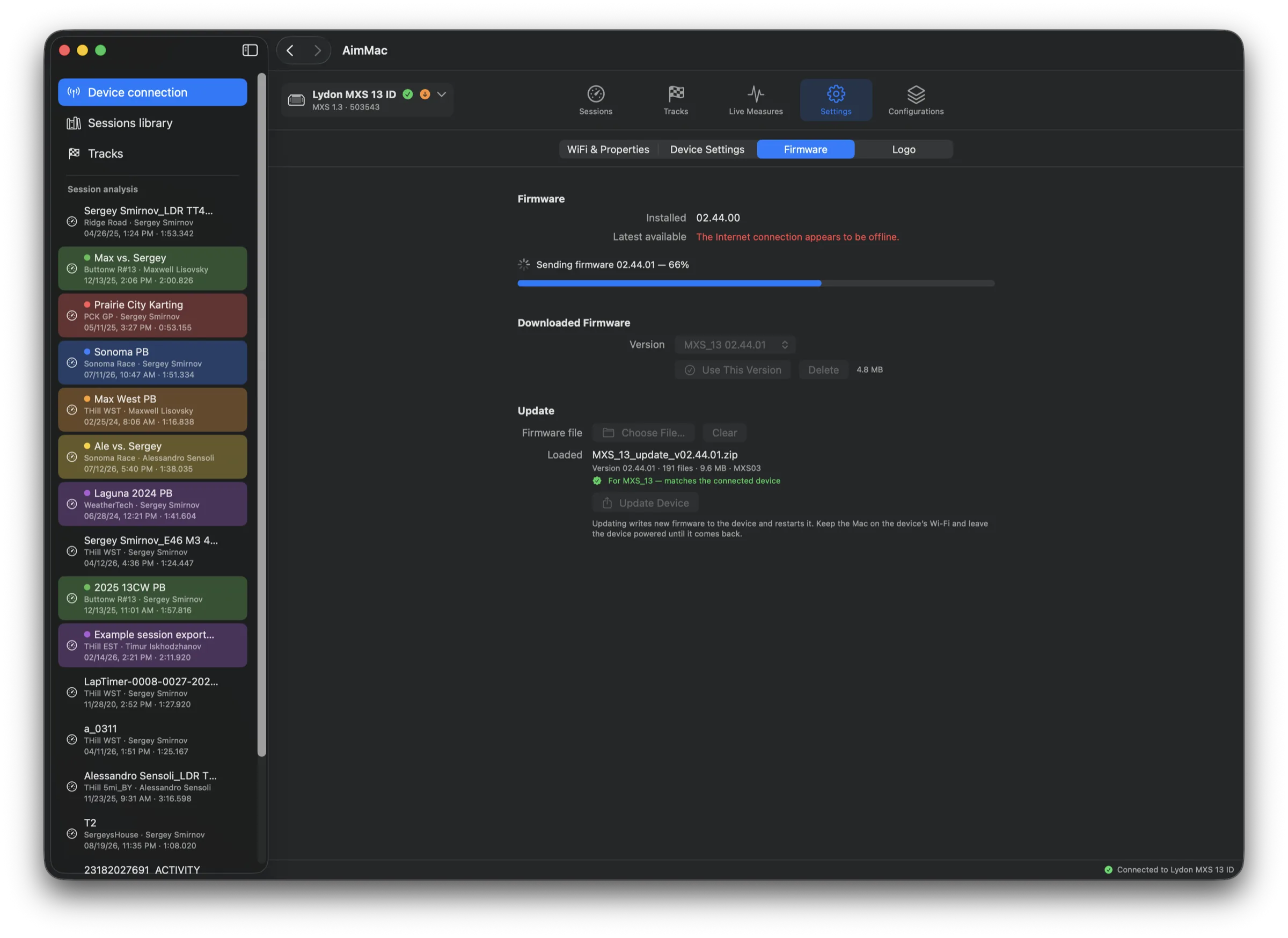
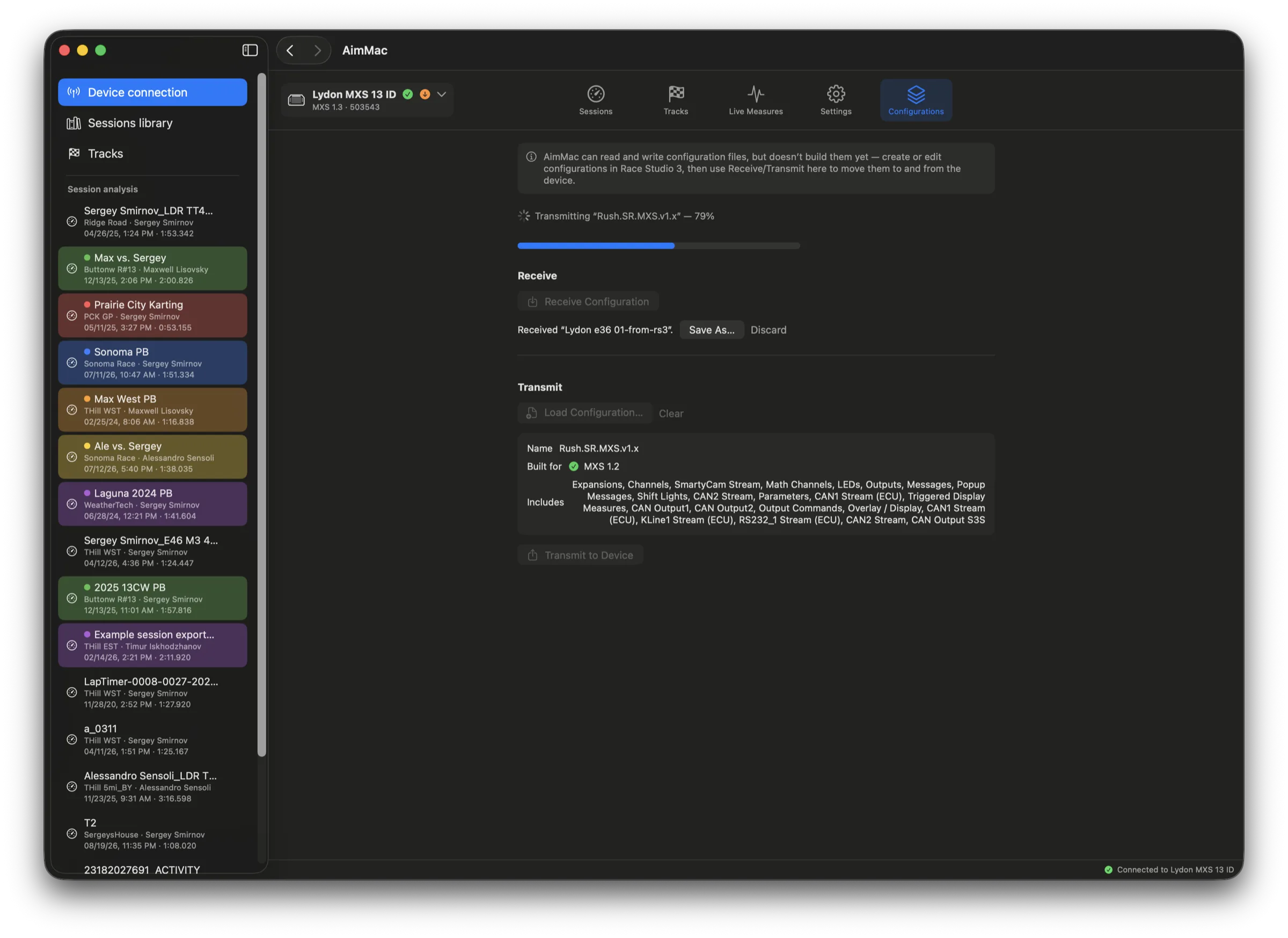
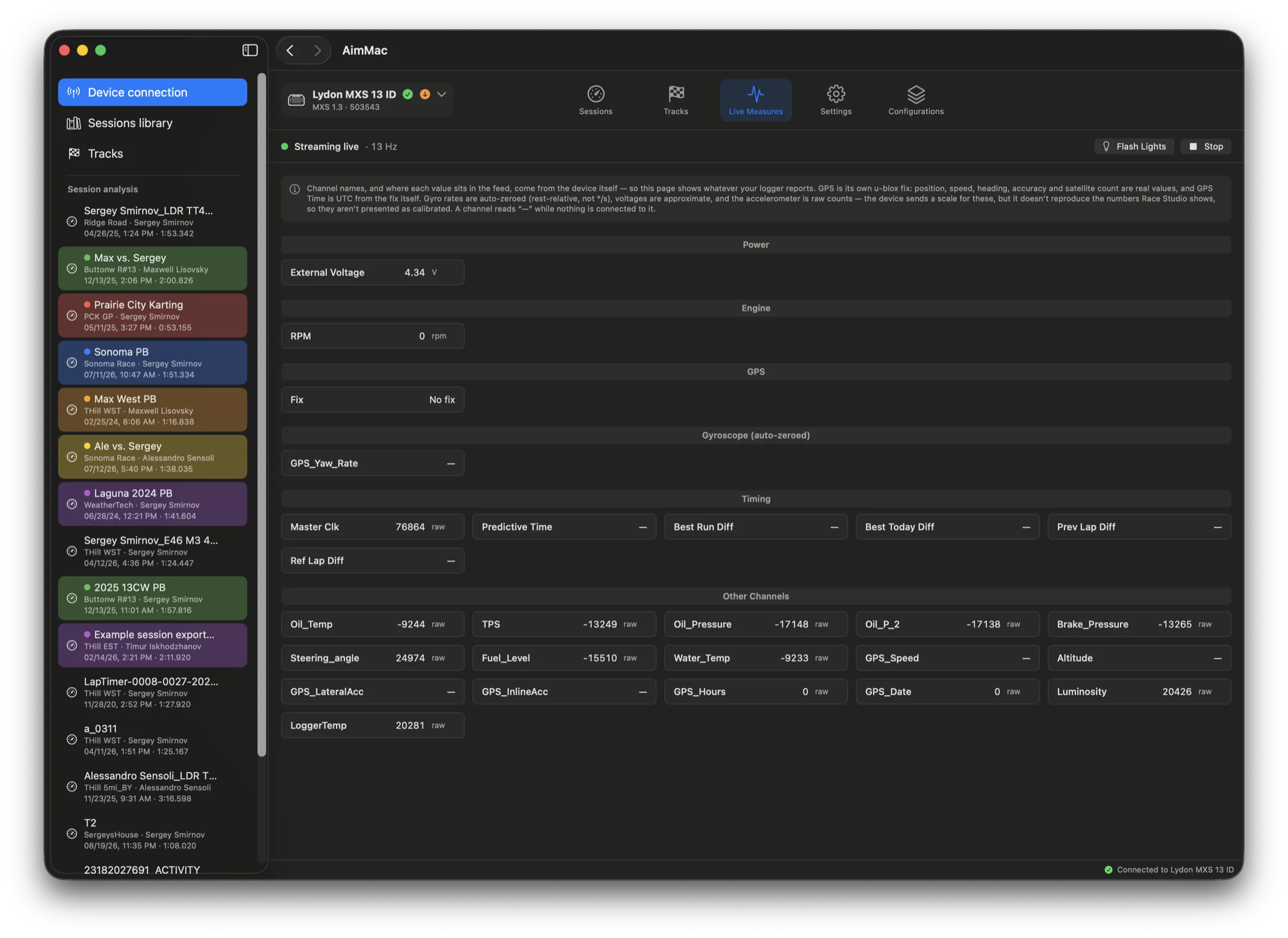
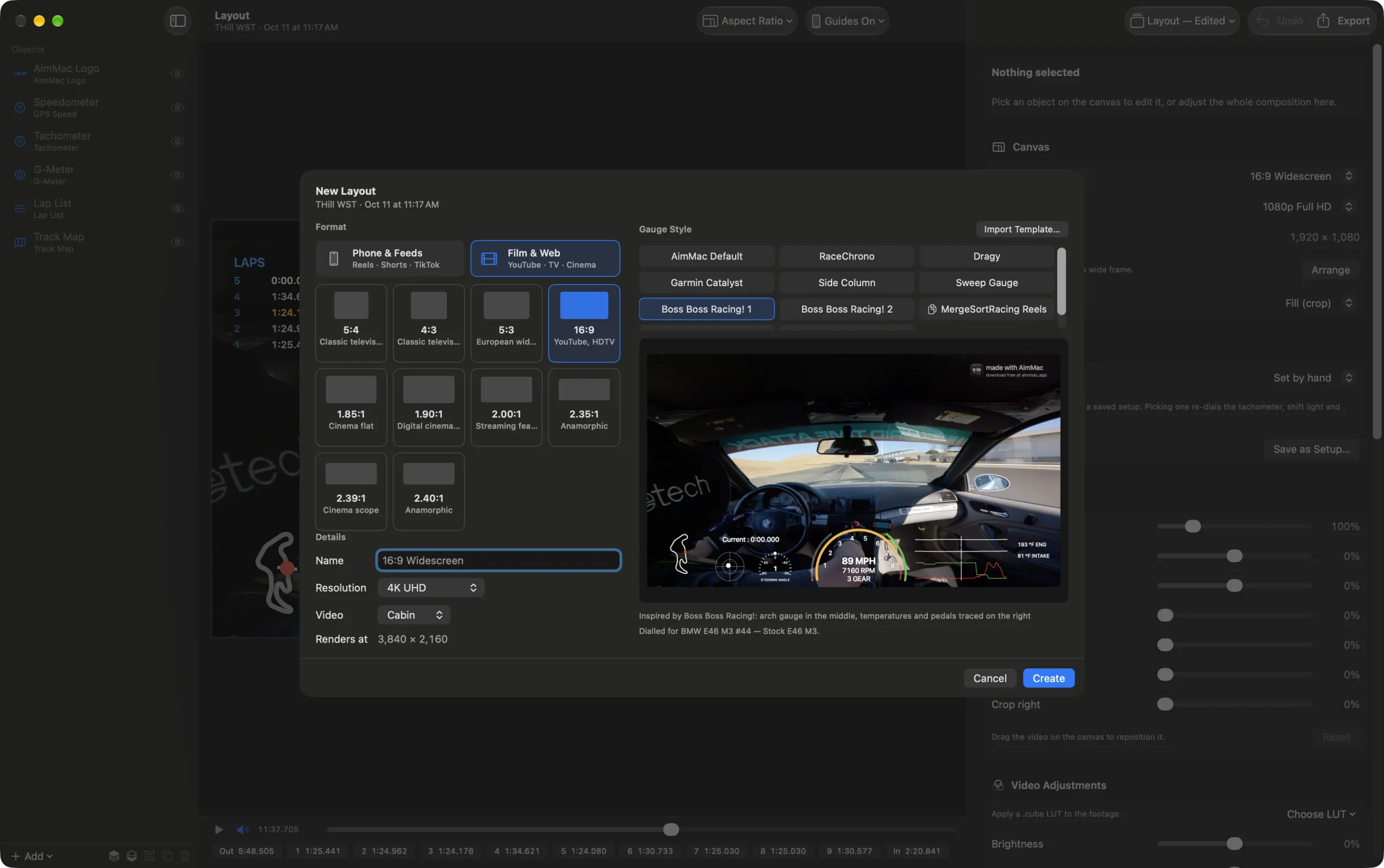
AimMac talks straight to your AiM lap timer over WiFi — download sessions, dig into every channel with interactive graphs and a satellite lap map, manage your track database, and export anywhere. No Race Studio. No Windows. No Wine.

Download AimMac Version 1.1 · Free · macOS 15 or later · Notarized by Apple
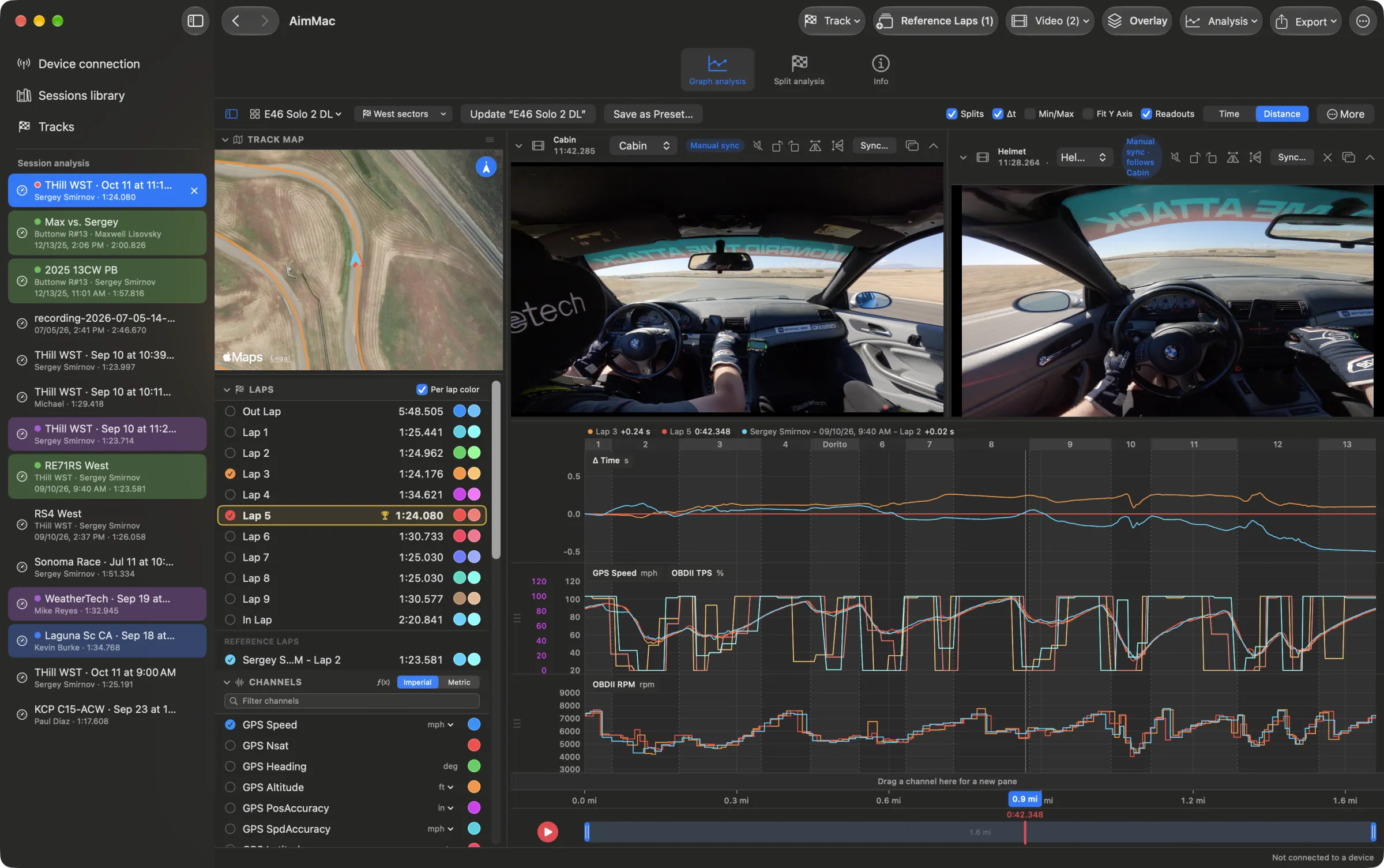
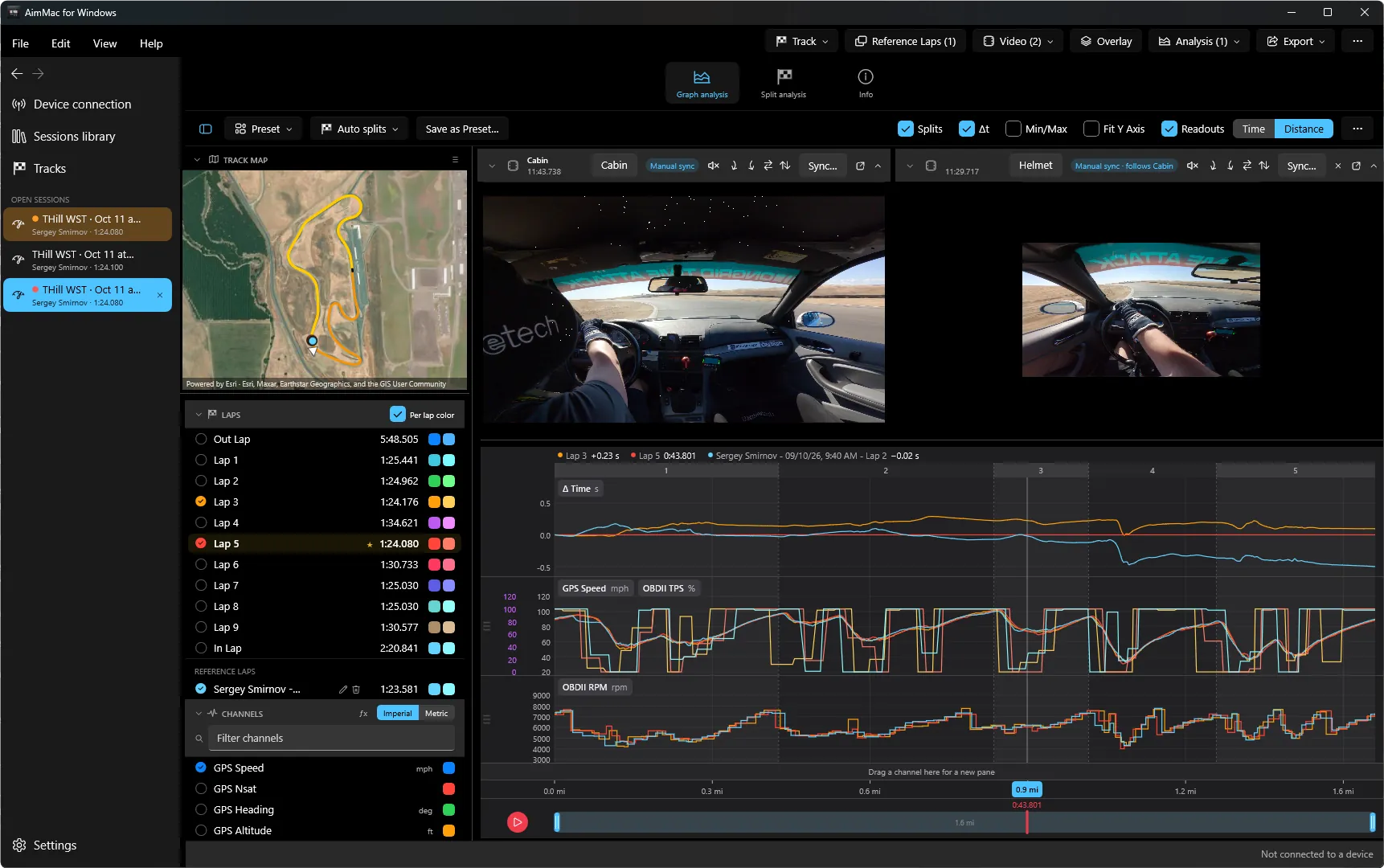
AimMac's graph analysis view comparing two laps side by side with a satellite lap map

Everything between the track and the data.

Built from the ground up as a real Mac app — fast, native, and designed for the way a track day actually works.

📡

Finds your device

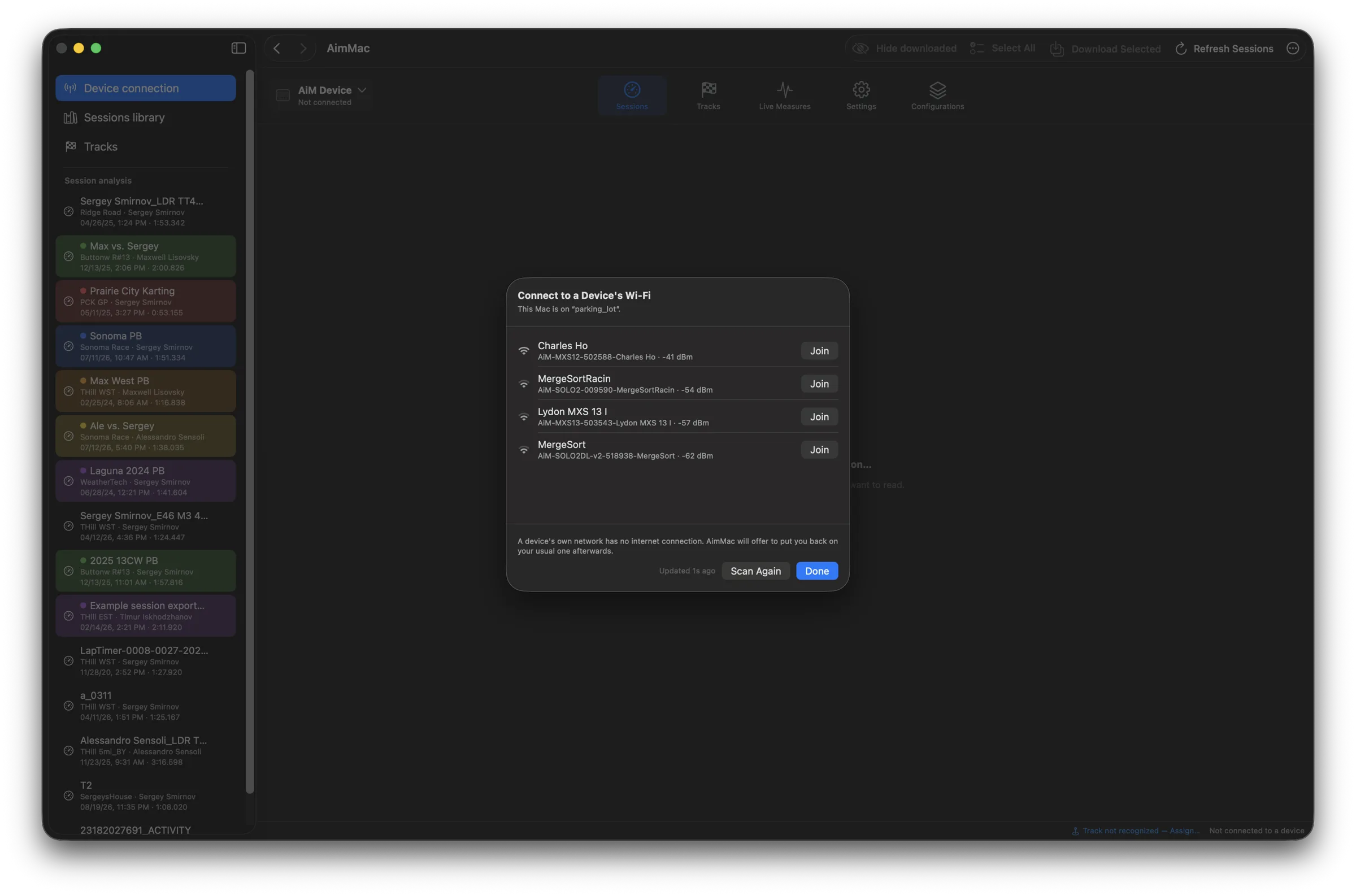
Join your AiM's WiFi network and AimMac detects it automatically — device name, model, and every session stored on it, grouped by day and track.

⬇️

One-click downloads

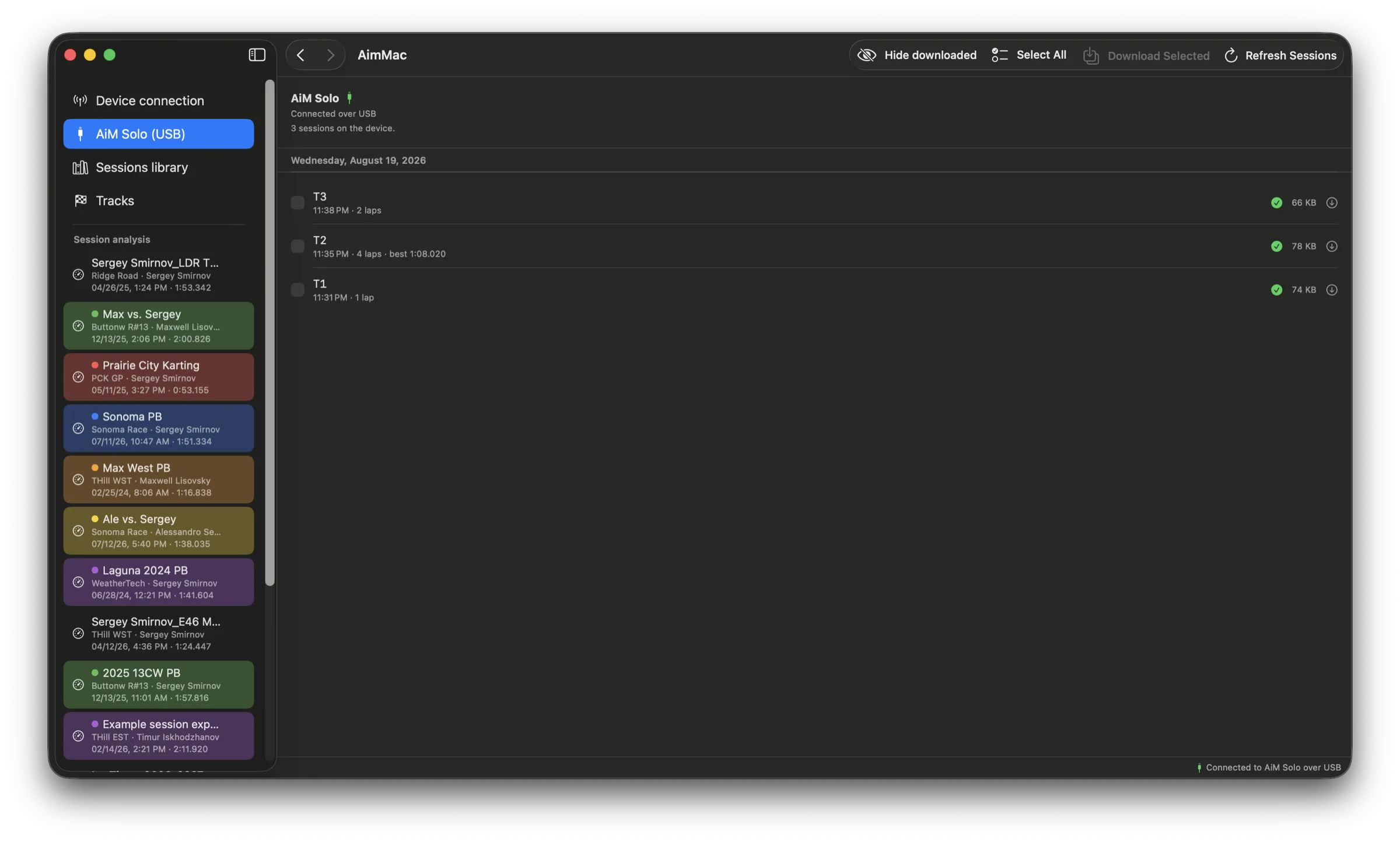
Grab a single session or select a whole day and batch-download, with live progress in a persistent status bar. Already-downloaded sessions are flagged so you never fetch twice.

🏷️

Tag as you go

Driver, vehicle, championship, session type, custom tags, and notes — captured right in the download flow and remembered for the next one.

🗂️

A real library

Sort, favorite, and color-label sessions in a fast Finder-style table. Bulk-edit metadata or export a whole selection at once, or import .xrk and .xrz files from anywhere.

📈

Graph analysis

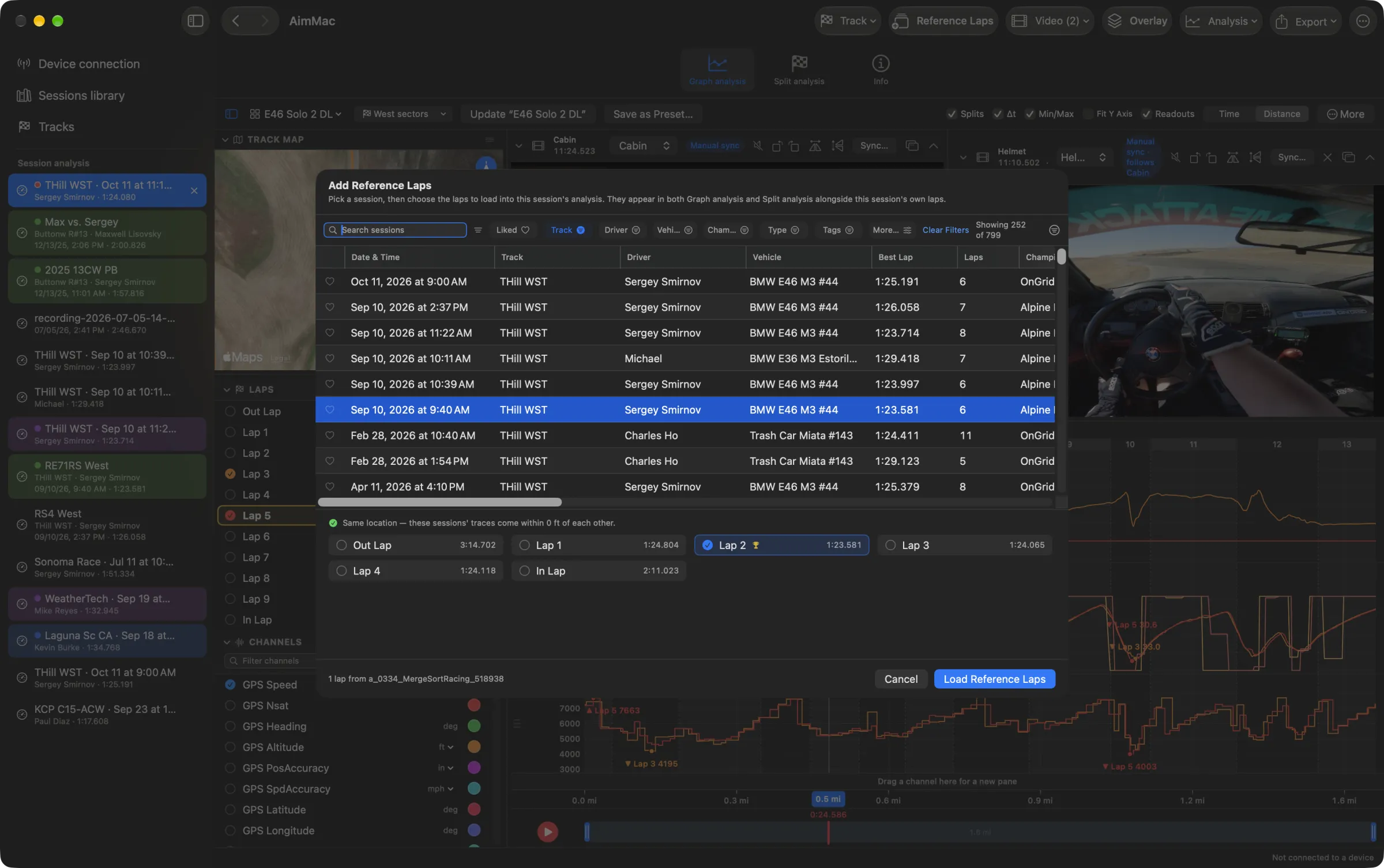
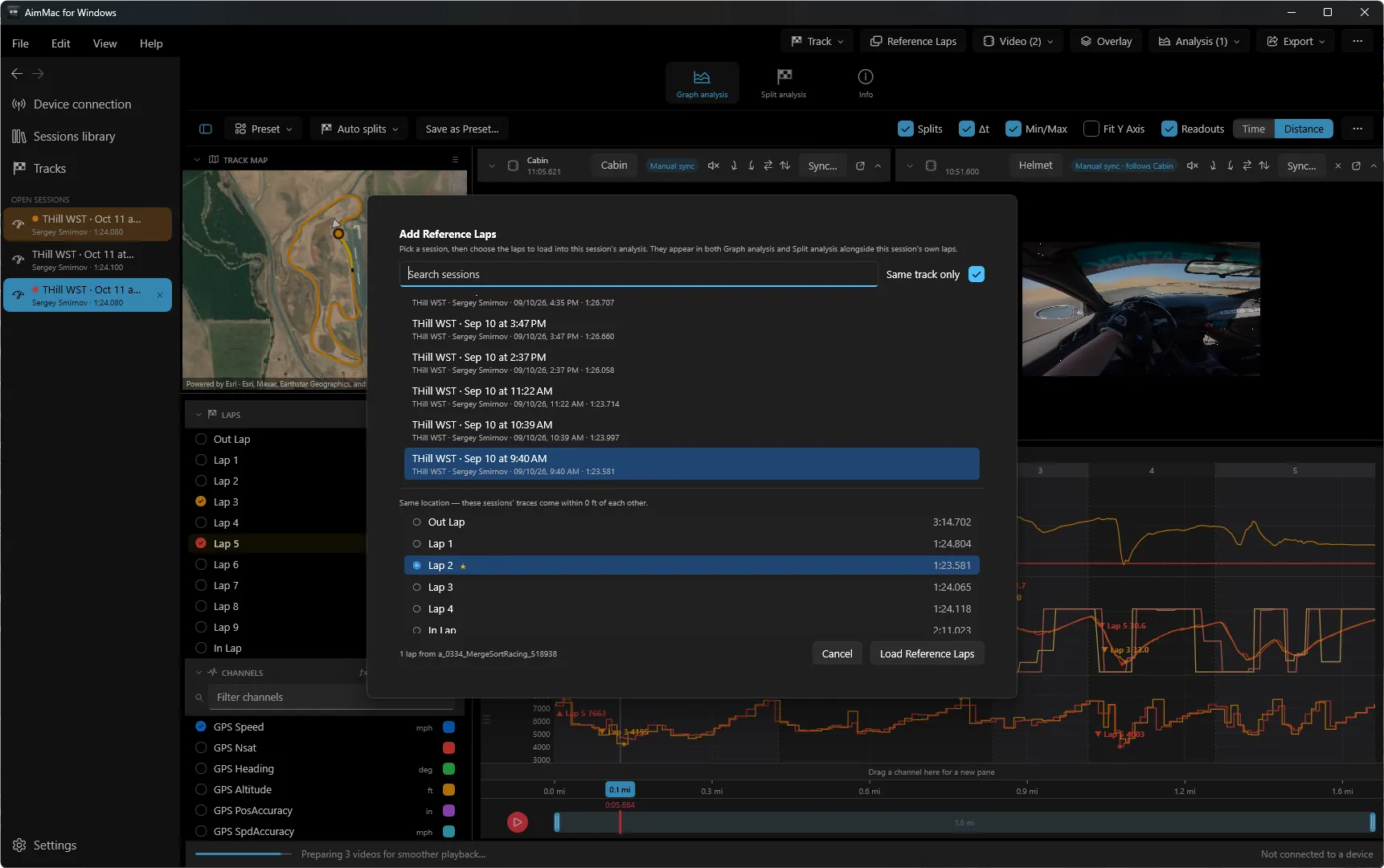
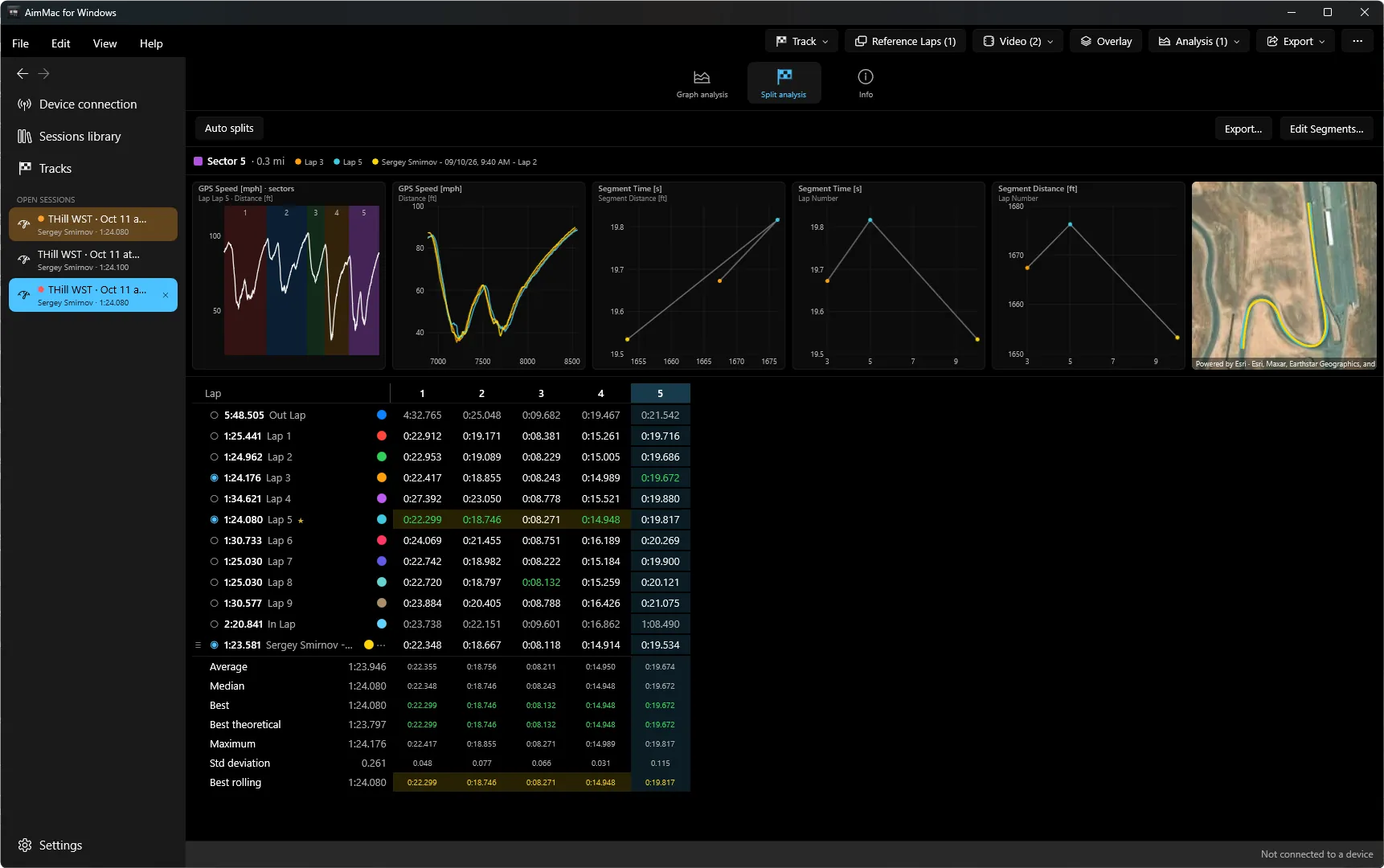
Overlay any channel, compare laps side by side, and follow the car around a satellite map that chases your cursor through the data.

🏁

Track database

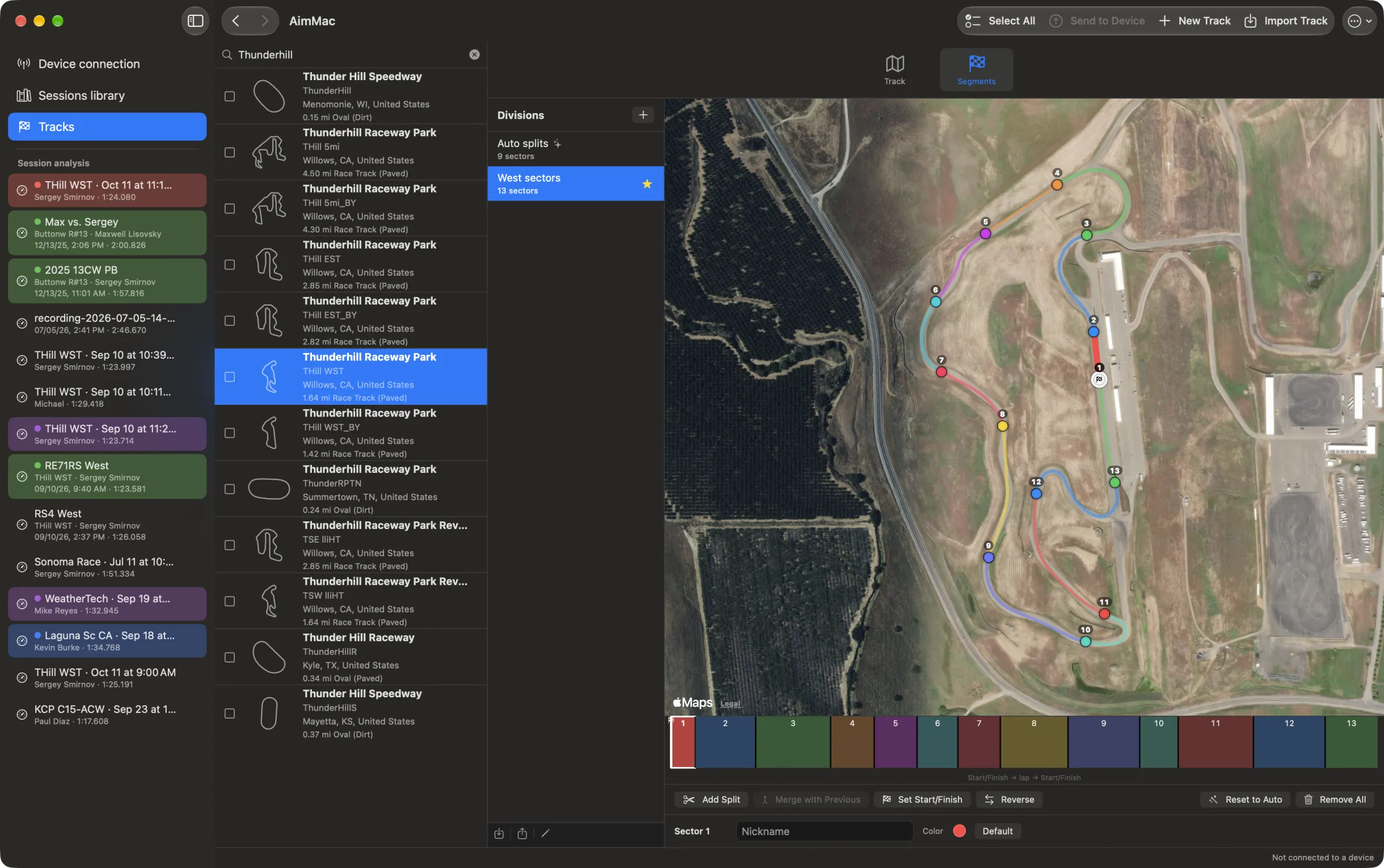
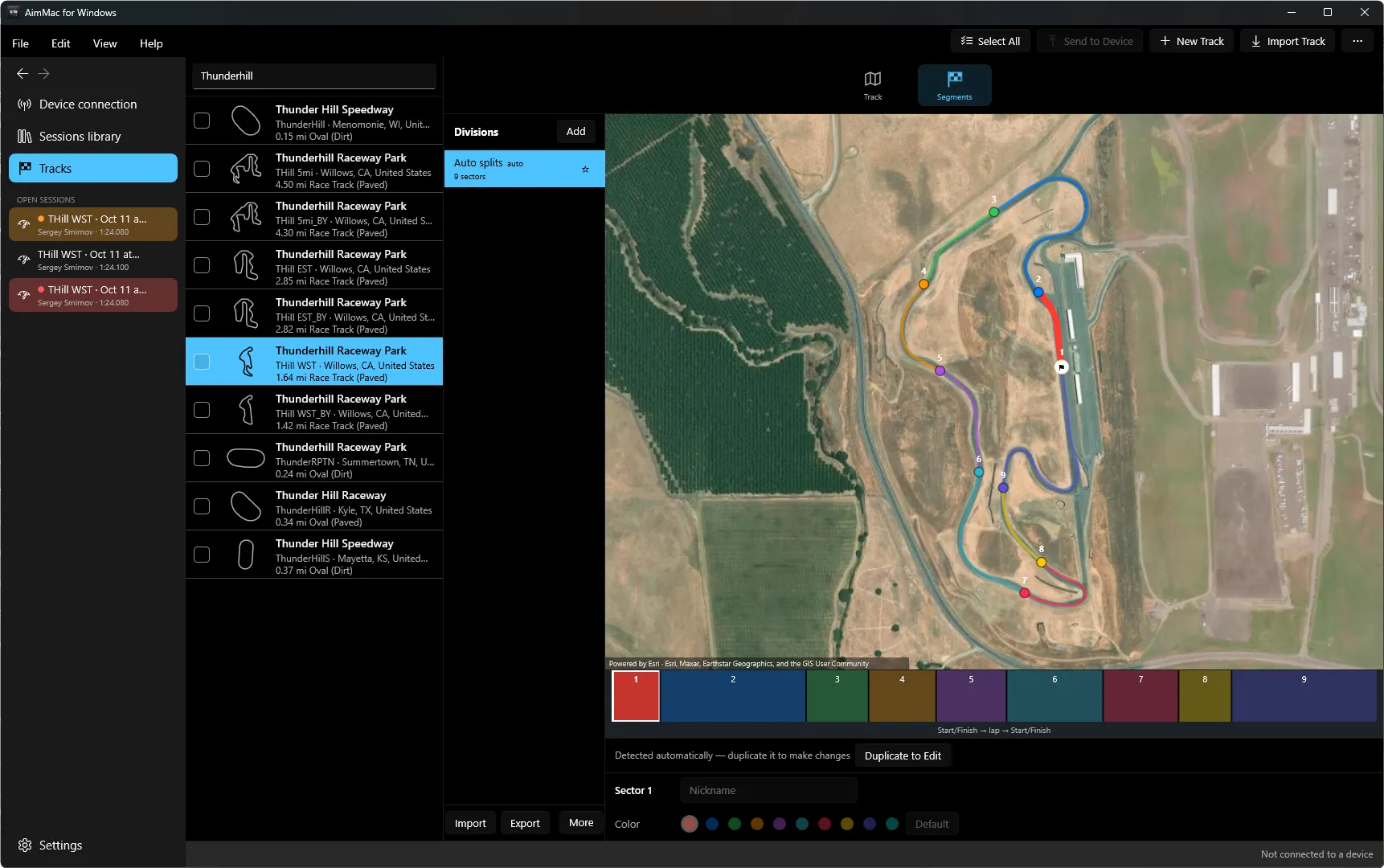
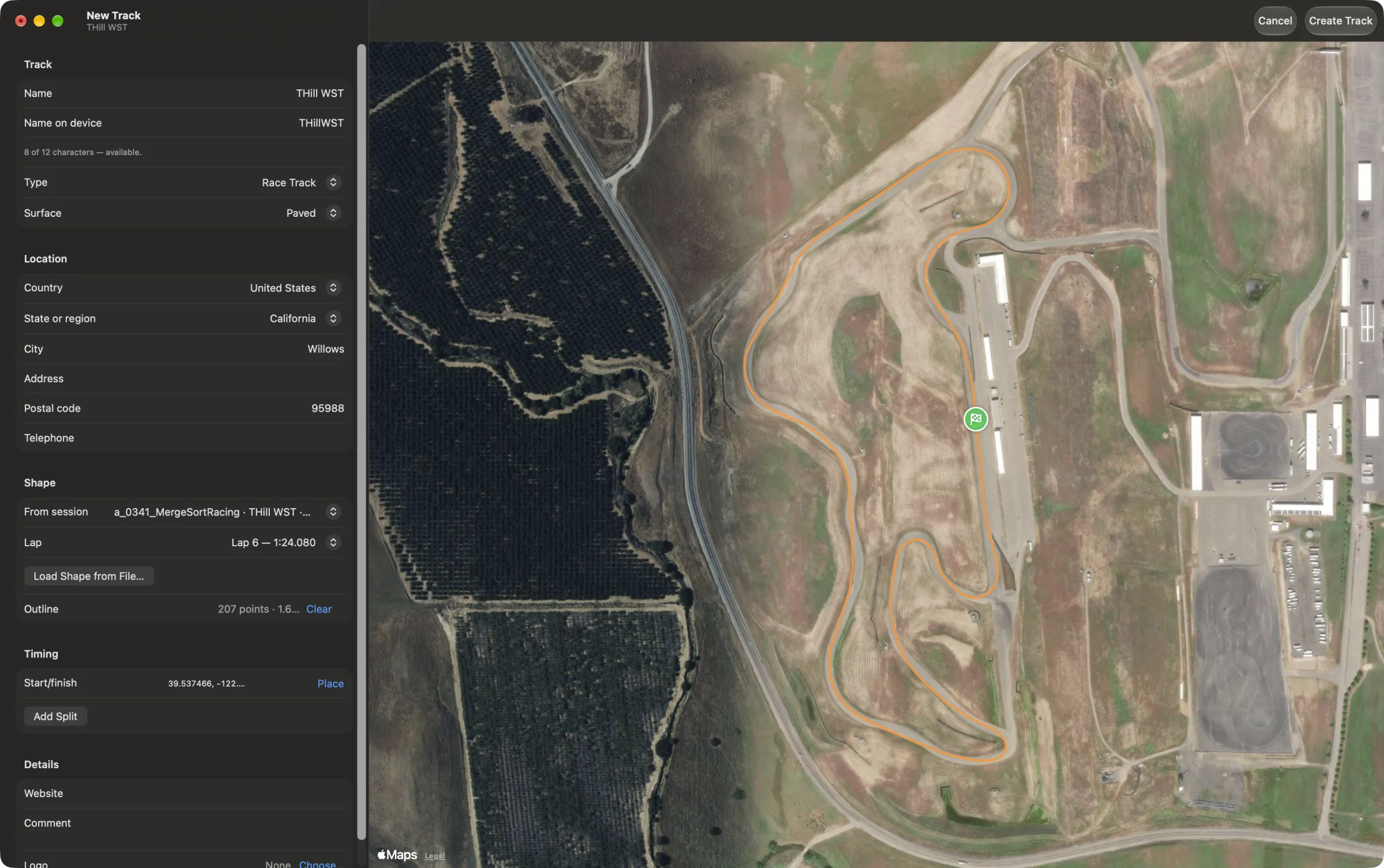
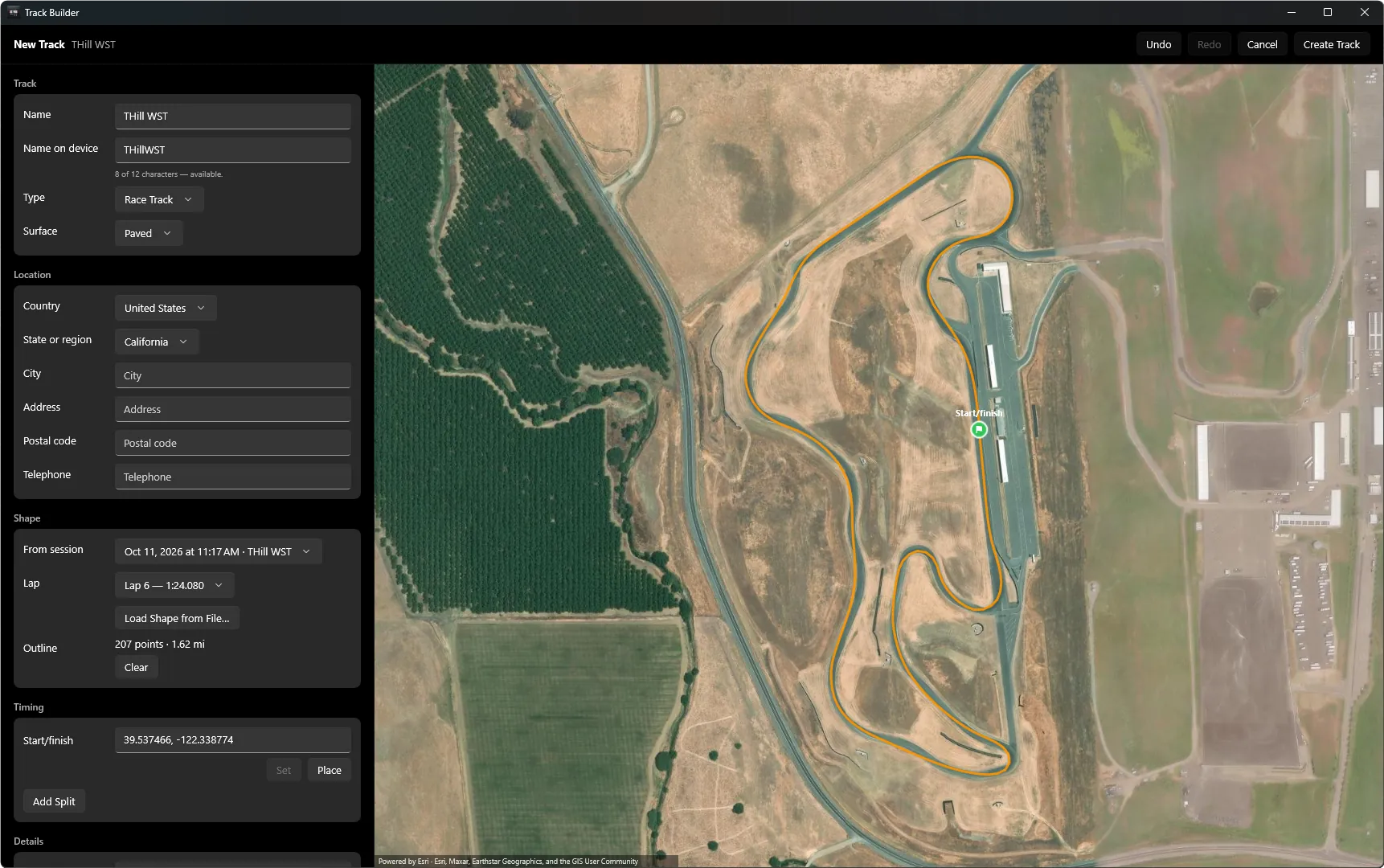
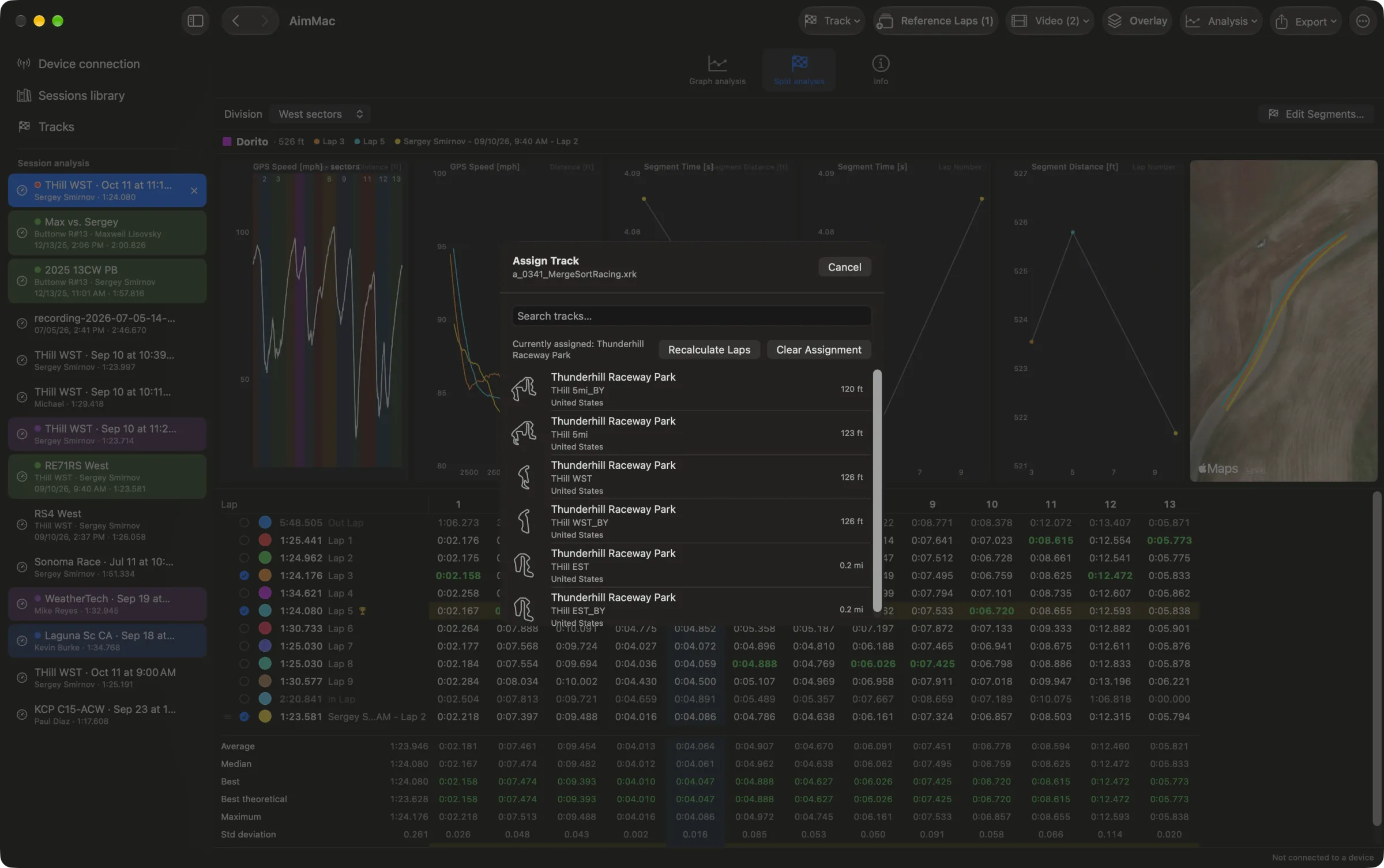
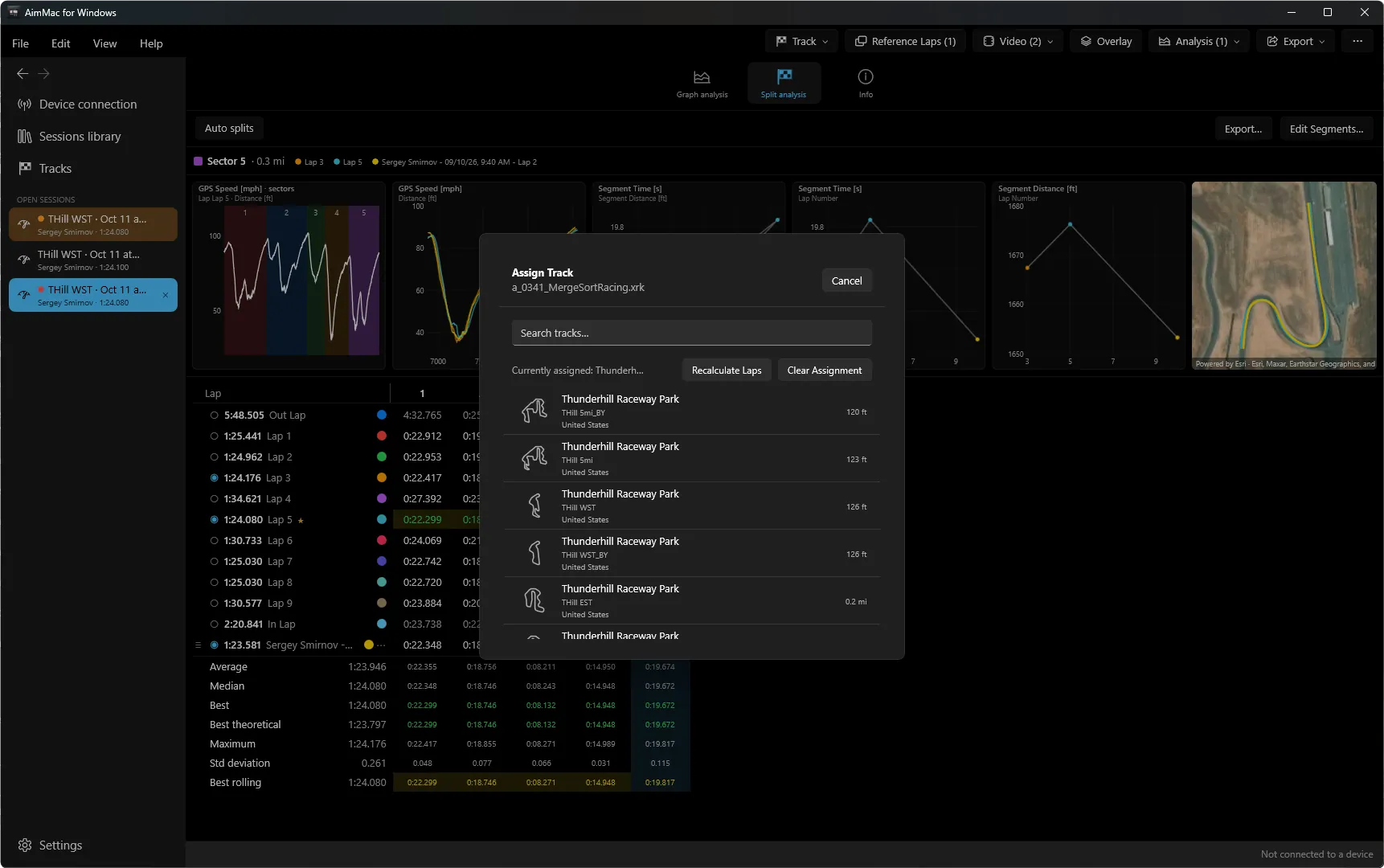
Browse and search AiM's full track database with satellite previews — and manage the tracks on a connected device: receive, transmit, or update outdated ones.

🔁

Migrate from RaceStudio

Already have years of sessions in RaceStudio 3? Bring every session, tag, and favorite over in one import — no manual re-tagging.

📤

CSV export

Race Studio-compatible CSV with your choice of channels, laps, sample rate, and units — for a single session or a whole batch at once.

From the paddock to every last data point.

Batch-tag on the way in.

Select a whole day's sessions and fill in driver, vehicle, championship, session type, custom tags, and a comment once — AimMac applies it to every download in the batch.

Batch download popover with driver, vehicle, championship, session type, tags, and comment fields

Watch the whole day come in.

A persistent status bar tracks whatever AimMac is doing — downloading, receiving a track, migrating from RaceStudio — with a spinner or progress bar and exactly what's happening, right next to your device's connection status.

AimMac downloading a batch of sessions with a progress bar in the global status bar

Compare laps like a data engineer.

Overlay any channel across multiple laps, each in its own color, with a satellite map that shows every car's position as you hover the graph. Channels sharing a unit share an axis, so nothing gets visually flattened.

Graph analysis view comparing two laps' GPS speed and OBDII coolant temperature with a satellite lap map

Every channel, stacked and synced.

Drag any channel into its own pane — digital signals, sensor data, OBDII, all sharing one time axis with a synchronized crosshair and session-wide min/max markers.

Graph analysis view with three stacked panes showing GPS speed, digital signals, and temperature channels

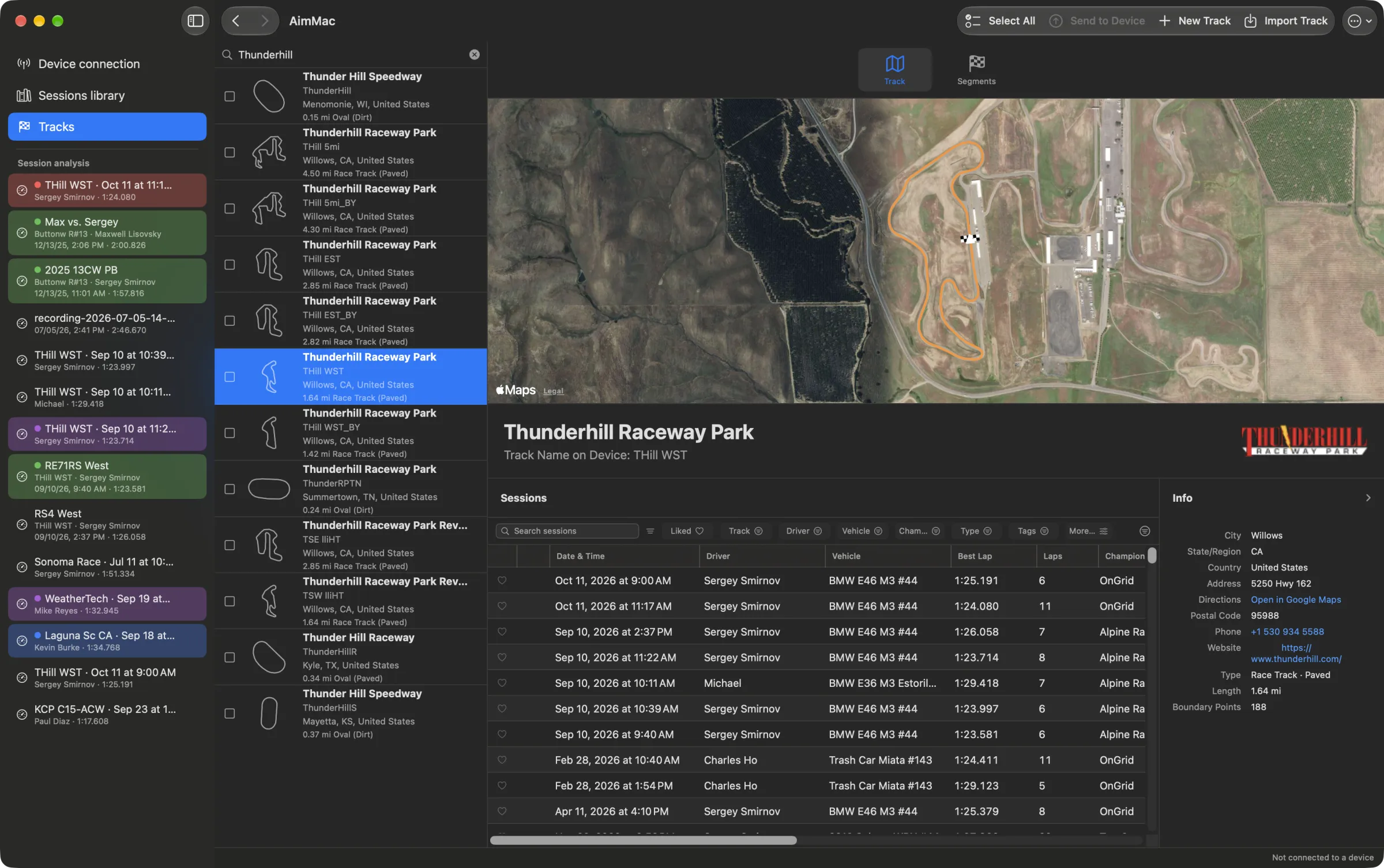
A track database that knows your sessions.

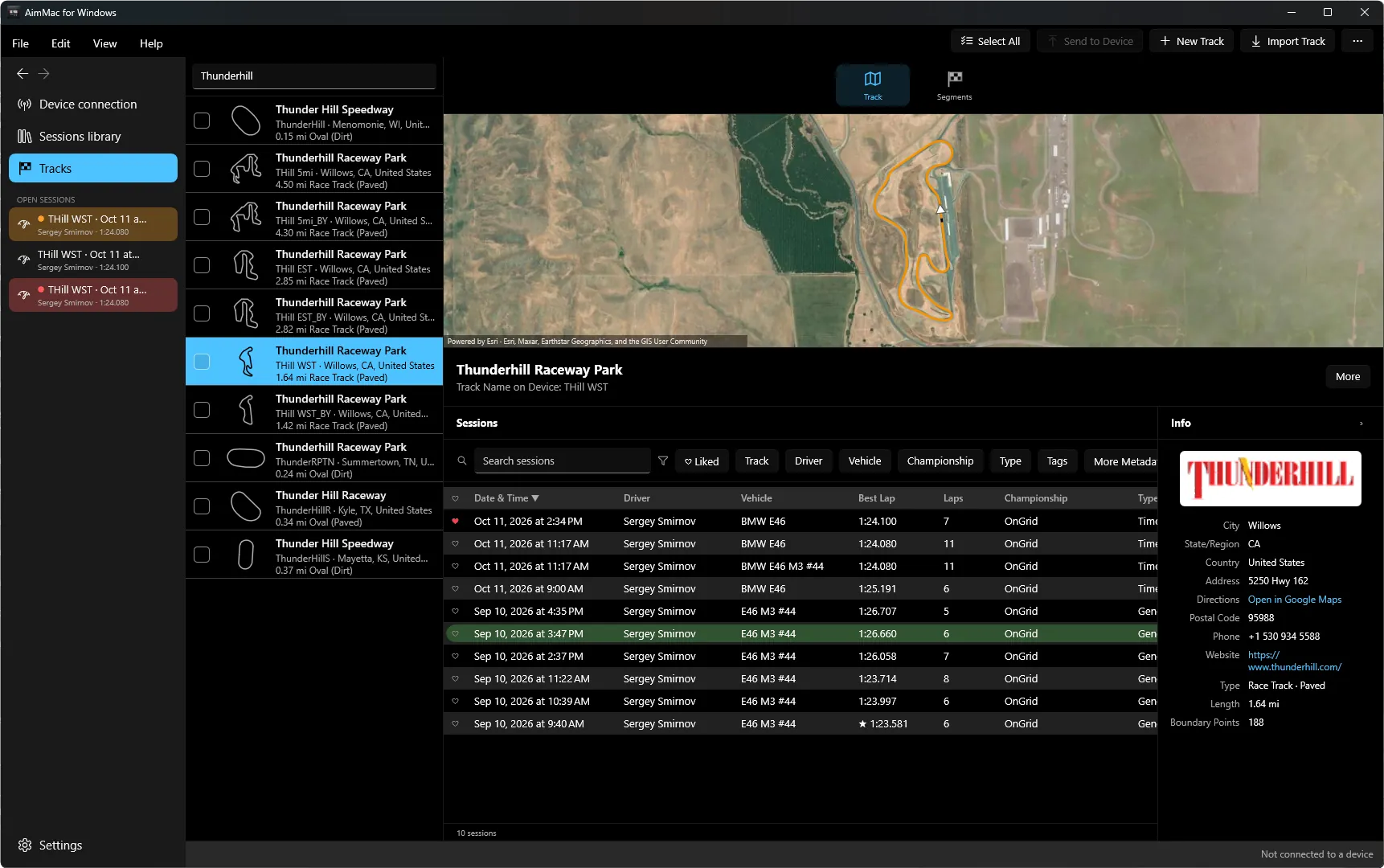
Search and browse a full local track database with satellite previews — and see every session you've logged at a track, right next to it, sortable by lap time.

Local track database showing Thunderhill Raceway Park with a satellite preview and its matching sessions table

Keep your device's tracks current.

Browse the tracks stored on a connected device, flag any that are older than your local copy, and update them in place — no more guessing which layout the device actually has.

Device track management showing Buttonwillow Raceway Park with an outdated-track warning and update button

Export exactly what you want.

Pick channels, pick laps, pick a frequency, pick your units — for one session or a whole selection at once. AimMac resamples and writes a Race Studio-compatible CSV, with GPS position, speed, and heading computed natively from the raw receiver data.

CSV export dialog next to the sessions library showing liked and color-labeled rows

Bring your RaceStudio history with you.

Point AimMac at a copy of your RaceStudio 3 "user" folder and it reads RaceStudio's own database — driver, vehicle, championship, comments, and favorites — and brings every session over, with your choice of how to handle ones you've already got.

Migrate from RaceStudio dialog with folder picker and duplicate-handling options

Requirements

Ready when you are.

Signed and notarized — download, drag to Applications, go racing.

Download AimMac 1.1 62 MB disk image · Apple silicon & Intel

Changelog

Loading…